
Price: 47.57

Parameter:
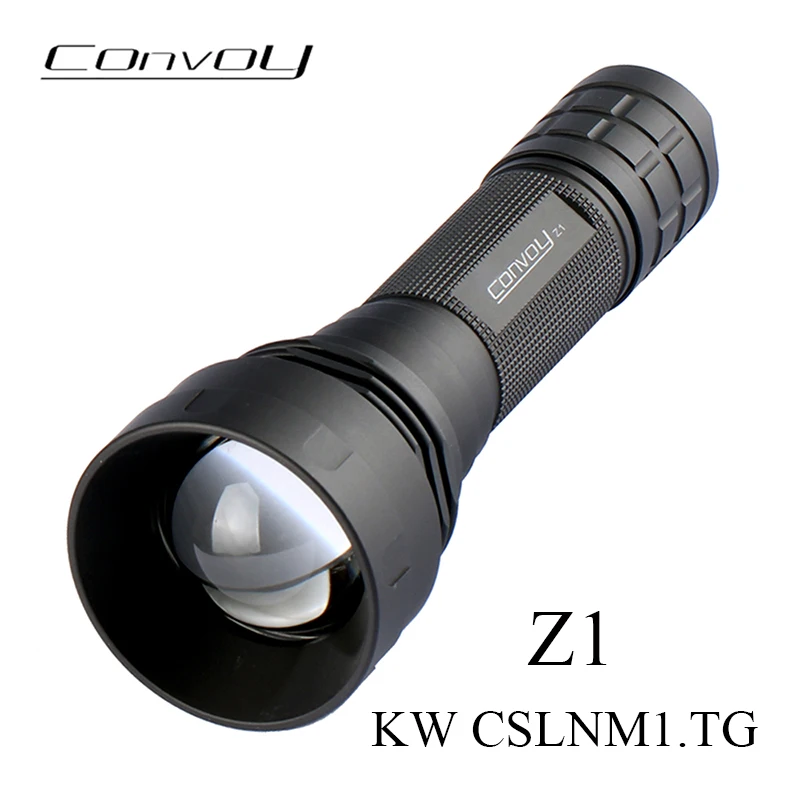
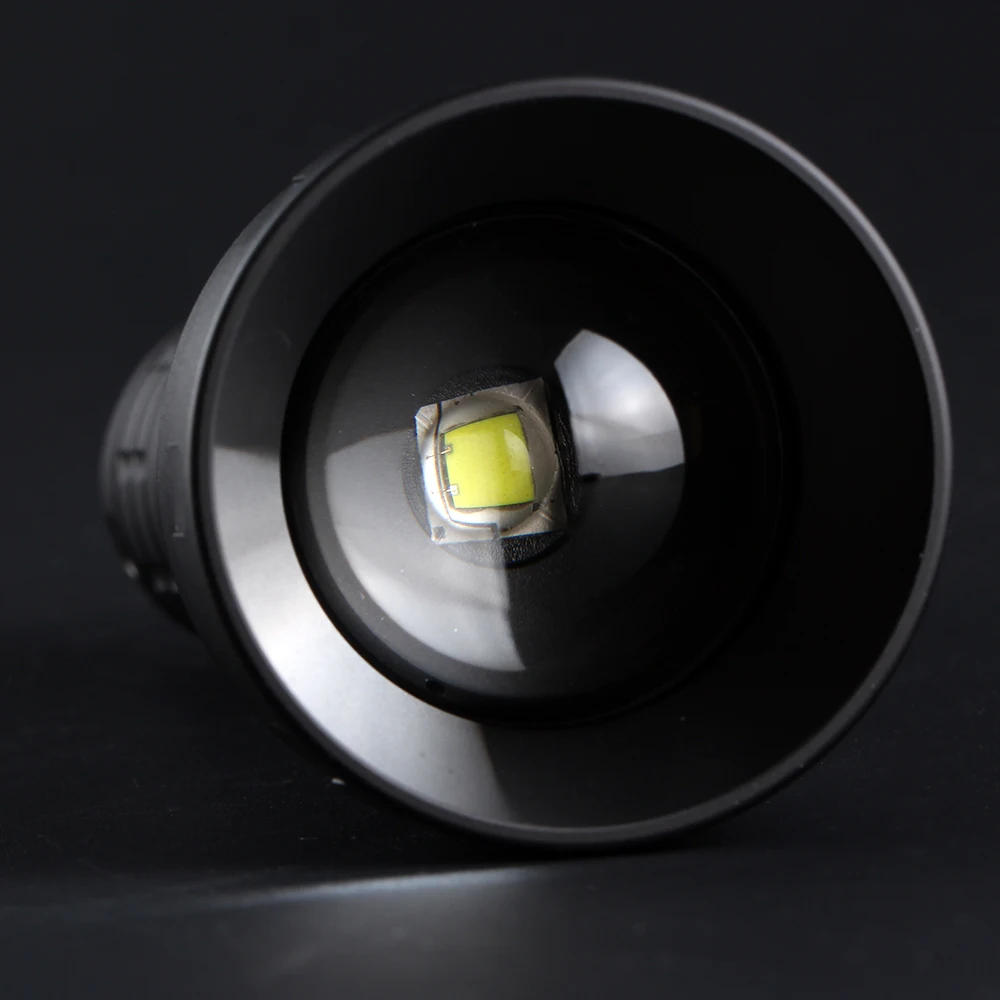
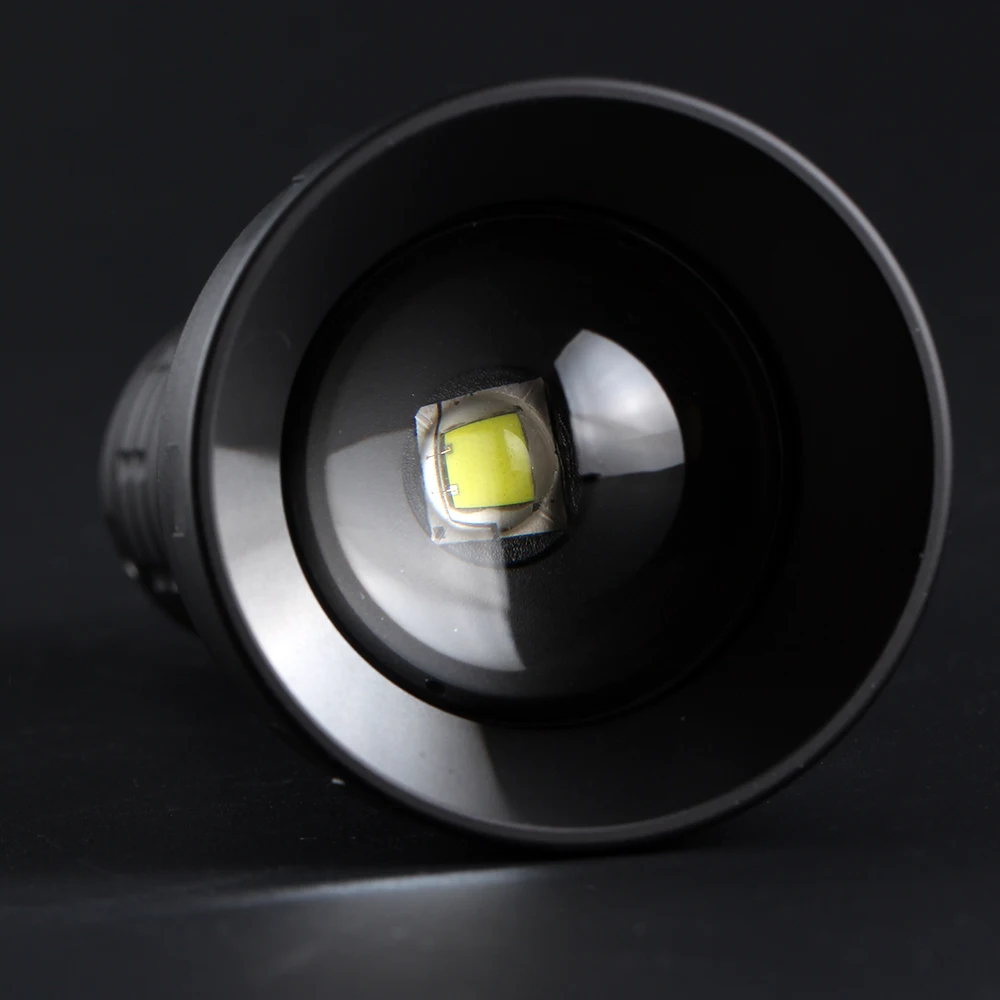
LED: KW CSLNM1.TG
Mode: 4 modes 0.1%-3%-30%-100% / 12groups
Mode memory: Yes
Battery: 1 * 21700
Material: Aluminum alloy
Color: Black
Switch type: Reverse
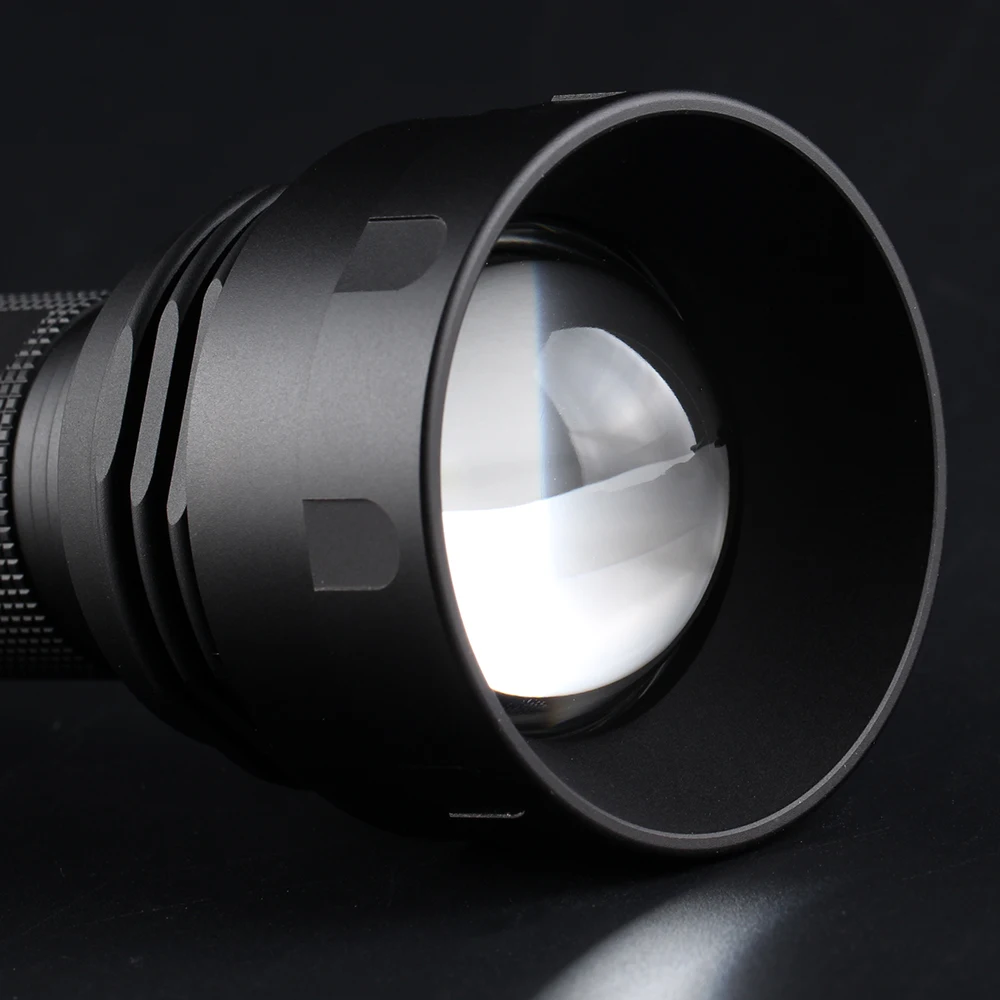
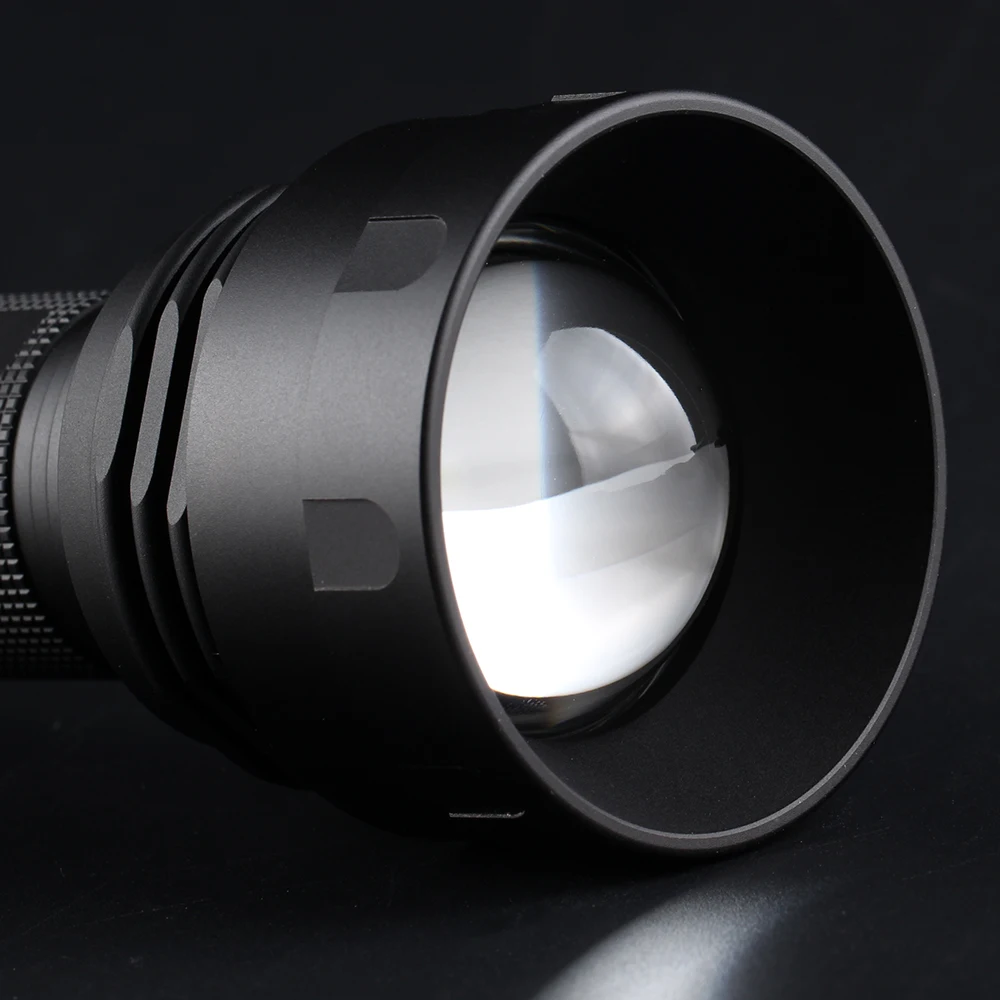
Lens: Convex lens (high borosilicate glass)
Diameter: Head 52mm /tail 28.2mm
Length: 135.8mm(zoom in)/149.5mm(zoom out)
Package type:
A. With 21700 battery:
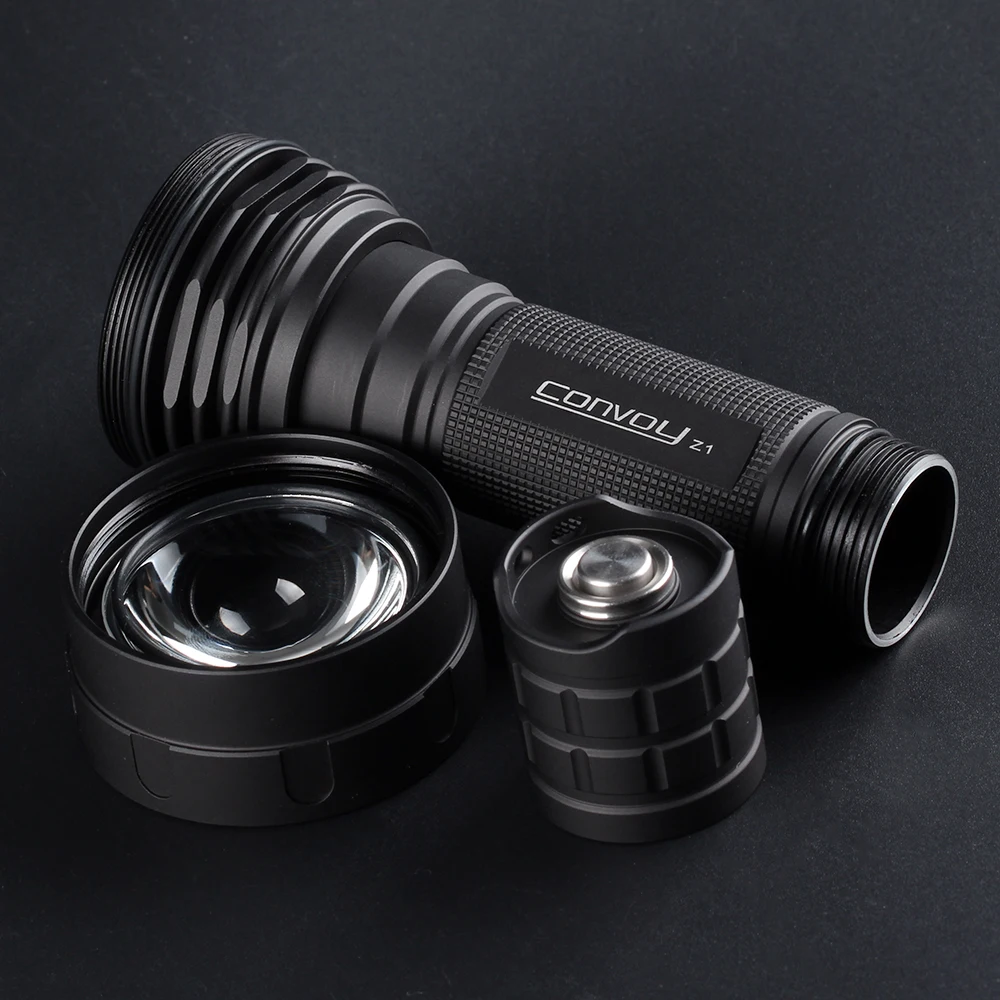
1*Flashlight
1*21700 rechargeable battery
1*USB charger
B. No battery:
1*Flashlight
1. Driver instructions:(4 modes)
Which has a simple 4 modes for switching, which is very suitable for ordinary users.
Modes : 0.1%-3%-30%-100% max current output is 6000mA
Its biggest advantage is that no frequency can be seen in any mode, and there is temperature management.
It can control the flashlight temperature not to exceed 55 degrees Celsius,
If the flashlight temperature is below 55 degrees Celsius, it will output full current. If it is above 55 degrees Celsius, it will constantly adjust the current so that the flashlight will not overheat.
2. Driver (12 groups):
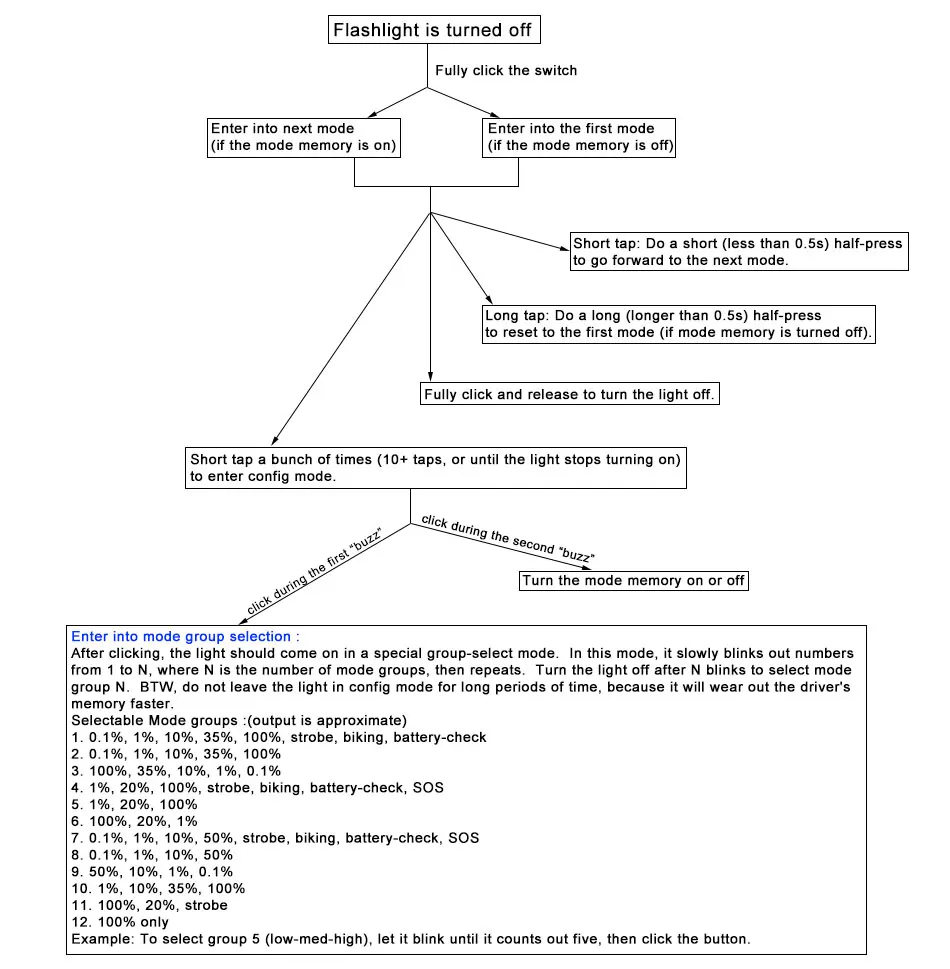
1. Click the switch to turn on/off the flashlight, and half press the switch to select the mode
2. If the flashlight is turned on, press the switch half and fast for 20 times to enter the configuration mode. (On the visual interface (such as mobile phone), just click an option to indicate that it is selected. The flashlight has no visual interface. It uses flashing to indicate an option. "Half pressing the switch during flashing" means selecting the option.)
Option 1 (normal flashing once+buzzing flashing): half-press the switch to enter the sub-option and start to select the gear group. If the user has no operation, the configuration mode will enter option 2.
————-Suboption 1.1 (normal flashing once): Tap the switch to select gear group 1 (0.1%, 1%, 10%, 35%, 100%, flash, beacon, power detection)
————-Suboption 1.2 (normal flashing twice): Touch the switch to select gear group 2 (0.1%, 1%, 10%, 35%, 100%)
————-Suboption 1.3 (normal flashing 3 times): Tap the switch to select gear group 3 (100%, 35%, 10%, 1%, 0.1%)
————-Suboption 1.4 (normal flashing 4 times): Tap the switch to select gear group 4 (1%, 20%, 100%, strobe, flash, beacon, battery detection, SOS)
————-Suboption 1.5 (normal flashing 5 times): Tap the switch to select gear group 5 (1%, 20%, 100%)
————-Sub-option 1.6 (gauge flashes 6 times): Tap the switch to select gear group 6 (100%, 20%, 1%)
————-Suboption 1.7 (normal flashing for 7 times): Tap the switch to select gear group 7 (0.1%, 1%, 10%, 50%, flash, beacon, power detection, SOS)
————-Suboption 1.8 (normal flashing 8 times): Tap the switch to select gear group 8 (0.1%, 1%, 10%, 50%)
————-Suboption 1.9 (regular flashing 9 times): Touch the switch to select gear group 9 (50%, 10%, 1%, 0.1%)
————-Suboption 1.10 (normal flashing 10 times): Tap the switch to select gear group 10 (1%, 10%, 35%, 100%)
————-Suboption 1.11 (normal flashing 11 times): Tap the switch to select gear group 11 (100%, 20%, flash)
————-Suboption 1.12 (normal flashing 12 times): Touch the switch to select gear group 12 (100% single gear)
Option 2 (normal flash twice+buzzing flash): half-press the switch to activate or close the gear memory. If the user does not do anything, the flashlight will enter the last gear.








Reviews
There are no reviews yet.